





















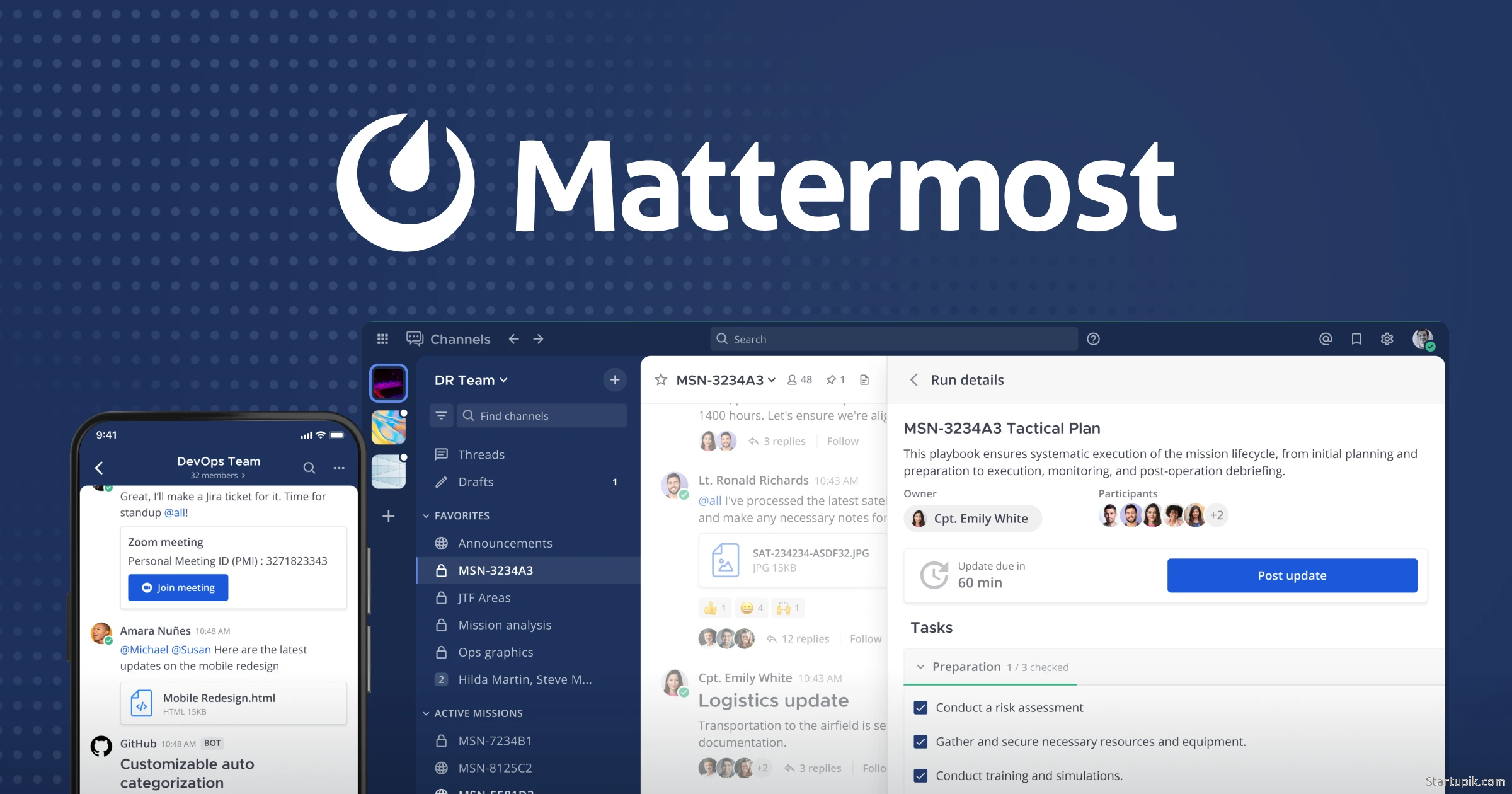
Mattermost: Open Source Alternative to Slack Review: Features, Pricing, and Why Startups Use It
Introduction
Mattermost is an open source, self-hostable team messaging and collaboration platform often positioned as a privacy-focused alternative to Slack. It offers channels, direct messages, file sharing, and integrations, but with a crucial difference: you can run it on your own infrastructure and customize it deeply.
Startups use Mattermost when they want Slack-like collaboration without locking their data into a proprietary SaaS, or when they operate in regulated or security-sensitive environments (e.g., fintech, healthtech, devtools, cybersecurity). It’s also attractive to technical teams who prefer open source tools they can extend and integrate tightly with their development workflows.
What the Tool Does
Mattermost’s core purpose is to provide a central communication hub for teams, with secure messaging, collaboration, and integrations for development and operations workflows. It combines:
- Channel-based messaging for teams and projects
- Direct and group messaging
- File and link sharing
- Integrations with developer tools, CI/CD systems, and issue trackers
- Optional self-hosting for full data control and compliance
In short, Mattermost aims to be the “Slack for teams that care about open source, security, and customizability.”
Key Features
Channel-Based Messaging
- Public and private channels for teams, functions, projects, or customers.
- Threaded conversations to keep discussions organized.
- Mentions and notifications to ensure the right people see the right updates.
Self-Hosting and Deployment Options
- Self-hosted deployment on your own servers, cloud instances (AWS, GCP, Azure), or Kubernetes.
- Mattermost Cloud for fully managed hosting if you don’t want to run infrastructure.
- Data residency and control options for compliance-heavy startups.
Security and Compliance
- Open source codebase for transparency and security audits.
- Enterprise security features such as SSO (SAML, OAuth), MFA, granular access controls.
- Compliance support (depending on plan) such as eDiscovery, data retention policies, and auditing.
Developer-Centric Integrations
- DevOps integrations with GitHub, GitLab, Bitbucket, Jenkins, CircleCI, and more.
- Slash commands and webhooks for custom workflows and bot integrations.
- Plugin framework and APIs to build custom extensions and internal tools.
Collaboration and Productivity
- File and image sharing with previews and search.
- Rich text formatting, emojis, and reactions to keep communication clear.
- Search and filtering across messages, users, and files.
- Multi-language support for distributed teams.
Desktop, Web, and Mobile Apps
- Desktop clients for Windows, macOS, and Linux.
- Mobile apps for iOS and Android.
- Web interface accessible from any modern browser.
Use Cases for Startups
1. Central Communication Hub
Early-stage startups use Mattermost as the single communication layer across engineering, product, and operations:
- Organize channels by product, feature, or squad.
- Keep investors, advisors, or key partners in dedicated private channels.
- Replace fragmented email threads with persistent, searchable conversations.
2. DevOps and Incident Response
Technical startups use Mattermost as a command center for engineering and operations:
- Post build and deployment notifications from CI/CD tools into a “devops” or “deploys” channel.
- Run on-call and incident response playbooks with dedicated incident channels.
- Integrate monitoring tools (e.g., Prometheus, Grafana, Sentry) to surface alerts in real time.
3. Security- and Compliance-Sensitive Teams
Fintech, healthtech, and B2B SaaS startups with strict customer security requirements use Mattermost to:
- Self-host communications to meet contractual or regulatory requirements.
- Enforce data retention policies and auditing across internal communications.
- Demonstrate to enterprise customers that internal collaboration is fully controlled.
4. Custom Internal Tools and Workflows
Developer-heavy startups leverage Mattermost’s APIs and plugins to:
- Build custom bots for deployments, feature flags, or customer support workflows.
- Integrate internal systems (CRM, custom admin panels, analytics) directly into channels.
- Automate routine tasks with slash commands (e.g., “/deploy staging”, “/status” commands).
5. Distributed and Remote-First Teams
Remote-first startups use Mattermost to keep teams aligned across time zones:
- Separate synchronous chat channels from asynchronous announcements.
- Use threads and mentions to reduce noise and maintain context.
- Enable mobile and desktop apps for quick access on the go.
Pricing
Mattermost offers a free, open source edition plus several paid tiers. Pricing may evolve, so always confirm on the official site, but the typical structure is:
| Plan | Type | Key Features | Best For |
|---|---|---|---|
| Open Source (Community) | Free, self-hosted | Core messaging, channels, file sharing, basic integrations, APIs | Early-stage and technical teams comfortable managing their own server |
| Professional / Enterprise | Paid, self-hosted | Advanced security, SSO, compliance tools, advanced admin controls, priority support | Startups with security/compliance needs or growing headcount |
| Mattermost Cloud | Paid SaaS | Managed hosting, automatic updates, enterprise features depending on tier | Teams that want Mattermost benefits without running infrastructure |
Pricing is typically per user, per month for Professional/Enterprise and Cloud tiers, with volume discounts as you scale. The Community Edition is free forever but requires you to handle hosting, scaling, and backups.
Pros and Cons
| Pros | Cons |
|---|---|
|
|
Alternatives
| Tool | Type | Key Differences vs Mattermost |
|---|---|---|
| Slack | Proprietary SaaS | More polished UI, huge app ecosystem, fully hosted; less control over data, no self-hosting. |
| Microsoft Teams | Proprietary SaaS (and bundled with Microsoft 365) | Deep integration with Microsoft ecosystem; better for orgs already on Office 365; less flexible for self-hosting and customization. |
| Rocket.Chat | Open source, self-hosted or cloud | Similar open source positioning; more focused on omnichannel customer communication and contact center use cases. |
| Element (Matrix) | Open source, decentralized | Based on Matrix protocol; good for federated and cross-organization communication; can be more complex to set up. |
| Twist | Proprietary SaaS | Async-first collaboration; less “chatty”; focused on remote, deep work rather than real-time DevOps workflows. |
Who Should Use It
Mattermost is particularly well-suited for:
- Developer- and DevOps-heavy startups that want deep integration between chat and their engineering toolchain.
- Security- and compliance-focused companies (fintech, healthtech, B2B SaaS with enterprise customers) that need control over data residency and strict access controls.
- Technical founding teams comfortable managing their own infrastructure and preferring open source tools.
- Startups selling into enterprises or government where demonstrating secure internal collaboration is a sales advantage.
Mattermost may be less ideal for:
- Non-technical teams with no internal DevOps resources.
- Founders who prioritize minimal setup and UX polish over control and customizability.
- Very small teams that are already embedded in Slack or Microsoft ecosystems and don’t need self-hosting.
Key Takeaways
- Mattermost is a Slack-like collaboration tool with a strong focus on open source, self-hosting, and security.
- It’s especially powerful for technical and DevOps-centric startups that want chat tightly integrated with their development pipelines.
- The Community Edition is free but requires you to handle hosting, scaling, and maintenance.
- Paid and cloud tiers add enterprise-grade security, compliance, and managed hosting.
- If you need full control over your data and the ability to customize your chat platform, Mattermost is one of the strongest options on the market.
URL for Start Using
You can explore plans, documentation, and downloads at:
https://mattermost.com

