





















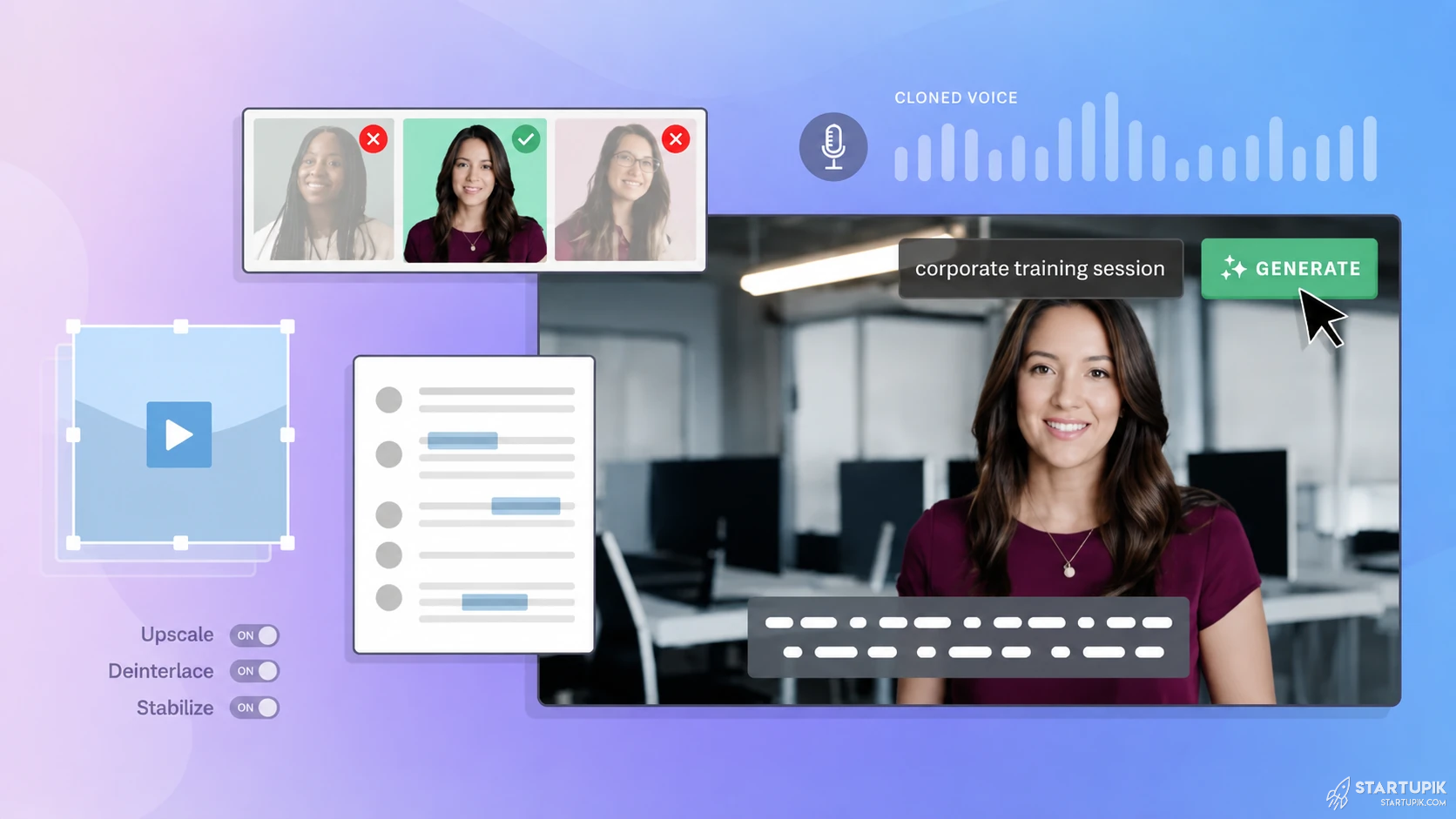
To Combine AI video, voice, and script tools, build a simple production pipeline: generate the script first, turn it into voiceover second, then sync visuals and editing last. This works best when you choose tools based on content volume, output quality, editing control, and commercial usage rights, not just the most popular app.
Quick Answer
- Start with the script, because video pacing, voice timing, and scene structure depend on it.
- Use a voice tool after scripting to lock narration length, tone, and pauses before editing visuals.
- Choose a video tool based on format: avatar video, stock-based explainer, screen recording, or short-form social clips.
- For teams, the most reliable workflow in 2026 is: script draft → voice generation → timeline sync → subtitles → export variations.
- Combining separate best-in-class tools usually gives better quality than using one all-in-one generator.
- This breaks when brand voice, pronunciation, licensing, or revision cycles are not defined early.
Why People Combine AI Video + Voice + Script Tools
Right now, founders, creators, agencies, and growth teams are under pressure to produce more content with smaller teams. One tool rarely does everything well.
Script generators help with structure and speed. Voice AI improves narration quality and multilingual output. Video tools handle avatars, stock scenes, captions, and short-form editing.
The reason to combine them is simple: specialized tools often outperform all-in-one platforms on quality, flexibility, or cost.
Best Workflow to Combine AI Script, Voice, and Video Tools
1. Create the script first
Use a writing tool like ChatGPT, Claude, Jasper, or Copy.ai to create the first draft. The goal is not just words. The goal is a script that can actually be narrated and edited.
Good AI video scripts usually include:
- Hook in the first 3–5 seconds
- Short sentences for natural voice pacing
- Scene-by-scene structure
- Visual prompts or B-roll notes
- A single CTA
When this works: explainer videos, SaaS demos, onboarding content, ad variations, product education, and localized video content.
When it fails: thought leadership videos, founder storytelling, or regulated messaging where nuance matters more than speed.
2. Turn the script into voiceover
Once the script is stable, generate narration with tools like ElevenLabs, Murf, PlayHT, or WellSaid Labs. This is where you lock pacing.
Voice generation before video matters because scene timing depends on:
- Speech speed
- Pauses
- Pronunciation
- Emphasis
- Language version length
For example, a 60-second English script may become a 72-second German version. If you build visuals first, the timeline often breaks.
Trade-off: AI voices are faster and cheaper at scale, but they can still sound too polished or emotionally flat for high-trust founder content.
3. Build the video around the voice track
Now use the audio as the production anchor. Depending on the content type, choose a tool that matches the format:
| Content Type | Best Tool Style | Typical Tools |
|---|---|---|
| Avatar presenter videos | AI avatar platform | Synthesia, HeyGen |
| Stock-based explainers | Template video editor | Pictory, InVideo |
| Short-form social clips | Caption and repurposing editor | Descript, CapCut, OpusClip |
| Product demos | Screen recording plus AI cleanup | Loom, Descript, Camtasia |
| Motion-heavy branded ads | Pro editor with AI support | Adobe Premiere Pro, After Effects, Runway |
At this stage, align scenes to narration. Then add captions, branding, transitions, and platform-specific exports.
4. Repurpose into multiple formats
One of the biggest benefits in 2026 is content scaling. A single script can become:
- A YouTube explainer
- A LinkedIn talking-head style clip
- A TikTok or Reels cutdown
- A sales enablement video
- A multilingual landing page video
This is where structured scripting pays off. If the original script is modular, repurposing becomes much faster.
Recommended Tool Stack by Workflow Type
Option 1: Best for startups shipping content fast
- Script: ChatGPT or Claude
- Voice: ElevenLabs
- Video: HeyGen or Synthesia
- Editing: Descript
Best for: SaaS demos, onboarding, B2B explainer videos, internal training.
Weakness: can look generic if everyone uses the same avatar and templates.
Option 2: Best for content marketing teams
- Script: Jasper or ChatGPT
- Voice: Murf or PlayHT
- Video: Pictory or InVideo
- Clipping: OpusClip or CapCut
Best for: blog-to-video, newsletter clips, SEO content repurposing, webinar snippets.
Weakness: strong for volume, weaker for premium brand feel.
Option 3: Best for higher-quality brand output
- Script: ChatGPT or Claude with human editing
- Voice: ElevenLabs with cloned or directed voice
- Video: Runway plus Adobe Premiere Pro
- Subtitles and cleanup: Descript
Best for: funded startups, agencies, polished campaigns, branded ads.
Weakness: better quality, but slower workflow and higher team skill requirements.
How to Choose the Right Combination
Choose based on output type, not hype
Many teams start with a tool because it is trending on X or Product Hunt. That is usually the wrong way to buy.
Instead, decide based on the actual output:
- Need spokesperson-style videos? Use avatar-first tools.
- Need product walkthroughs? Use screen recording and editing tools.
- Need multilingual narration? Prioritize voice quality and pronunciation controls.
- Need ad testing at scale? Prioritize templates, batch generation, and fast exports.
Check commercial rights and copyright terms
This matters more now because AI-generated assets are being used in ads, landing pages, and investor-facing content.
Before committing, check:
- Commercial usage permissions
- Voice cloning consent rules
- Training data or output ownership terms
- Music and stock footage licensing
- Watermark restrictions on lower plans
Common mistake: teams test with free plans, publish content, then realize usage rights or branding limits do not fit production use.
Plan for revisions
The hidden cost is not generation. It is revision loops.
If one small script change forces you to re-record audio, rebuild scenes, and redo captions, your workflow is fragile. Strong stacks support:
- Easy voice regeneration
- Timeline re-sync
- Caption auto-update
- Reusable brand templates
Real Startup Scenarios
SaaS startup creating onboarding videos
A B2B SaaS team wants 20 onboarding videos for new users. They use ChatGPT for script outlines, ElevenLabs for consistent narration, and Synthesia for presenter-led explainers.
Why this works: the content is structured, repeatable, and does not require cinematic storytelling.
Where it breaks: if the product UI changes every week, template-based videos become expensive to maintain.
DTC brand testing ad creatives
A consumer brand wants to test 50 ad variations across Meta and TikTok. They generate hooks with Claude, create multiple voice styles in PlayHT, and build short clips in CapCut and InVideo.
Why this works: they need variation volume, not perfect polish.
Where it breaks: if the AI voice sounds fake, conversion can drop because trust matters in direct-response advertising.
Founder-led thought leadership
A founder wants weekly LinkedIn and YouTube videos. They try AI avatar tools and AI voices, but engagement drops.
Why it fails: audiences often detect when founder authenticity has been replaced by automation. In this case, AI should assist with scripting, cleanup, clipping, and subtitles, not replace the founder’s actual presence.
Common Mistakes When Combining These Tools
- Starting with video first: visual timelines are harder to fix than scripts.
- Using one tool for everything: convenience often reduces output quality.
- Ignoring voice pacing: unnatural pauses make the whole video feel low quality.
- Over-automating brand content: fast output can damage trust.
- Skipping pronunciation controls: product names and founder names often get misread.
- No asset system: without templates, logos, CTA slides, and caption presets, scaling is messy.
Expert Insight: Ali Hajimohamadi
Most founders think the bottleneck is generation quality. It usually is not. The real bottleneck is revision economics.
If changing one sentence forces your team to touch three tools and re-export five formats, your AI stack does not scale. A slightly lower-quality tool with faster re-editing often beats a “better” tool in real operations. Founders also overuse avatars for trust-heavy content. For onboarding, support, and localization, avatars work. For investor, founder, or community content, synthetic polish can quietly reduce credibility.
When This Combined Workflow Works Best
- High-volume content teams
- Startups repurposing blog, webinar, or sales material
- SaaS onboarding and help center teams
- Agencies producing repeatable client formats
- Global teams needing multilingual voiceovers
When It Is the Wrong Approach
- Founder-led brand storytelling
- High-end commercials requiring custom motion design
- Regulated messaging with strict legal review
- Content where audience trust depends on real human presence
- Teams without a clear approval workflow
Practical Setup Checklist
- Define your main content format first
- Create a script template with hook, body, CTA, and scene notes
- Select one voice tool with strong pronunciation controls
- Choose one video tool for your core format
- Test export quality on desktop and mobile
- Check commercial rights before publishing
- Build brand presets for captions, intros, and end cards
- Track revision time, not just generation time
FAQ
What is the best order for AI script, voice, and video tools?
The best order is script first, voice second, video third. This reduces rework because timing and scene length depend on narration.
Should I use one all-in-one AI video tool or separate tools?
Use separate tools if quality and flexibility matter. Use an all-in-one platform if speed and simplicity matter more than customization.
Which AI voice tool is best for realistic narration?
ElevenLabs is widely used for realistic voice output right now. Murf, PlayHT, and WellSaid Labs are also strong depending on business use case and voice control needs.
Which AI video tool is best for startup explainers?
Synthesia and HeyGen are strong for avatar-led explainers. Pictory and InVideo are useful for stock-based or repurposed content. Descript is strong for editing and repackaging spoken content.
Can I use AI-generated video and voice for commercial content?
Usually yes, but it depends on the platform’s commercial terms, licensing rules, and plan limits. Always verify output ownership, voice cloning permissions, and stock asset rights.
What is the biggest risk in this workflow?
The biggest risk is low-trust output at scale. Content can become fast but generic, especially if the voice, avatar, and visual style all feel synthetic.
How do I make AI-generated videos feel less generic?
Use custom scripts, human edits, brand visuals, better pacing, stronger hooks, and selective use of real footage. The more original your source material, the less templated the final output feels.
Final Summary
The smartest way to combine AI video, voice, and script tools is to treat them as a production stack, not as isolated apps. Start with the script, lock the voice, then build visuals around timing.
In 2026, the winning workflow is not necessarily the one with the most automation. It is the one that balances speed, revision control, brand quality, and commercial safety.
If you need scale, combine best-in-class tools. If you need authenticity, keep humans closer to the final output.




