





















Two years ago, I printed five thousand product labels for my small coffee roasting business. Each label had a QR code linking to a brewing guide video. Six months later, the QR code service I used changed its pricing model. Free accounts were limited to 500 scans per month. My labels stopped working. I had to explain to customers why scanning a label showed an error page instead of a video. That experience taught me a hard lesson: never trust a QR generator that controls the destination link.
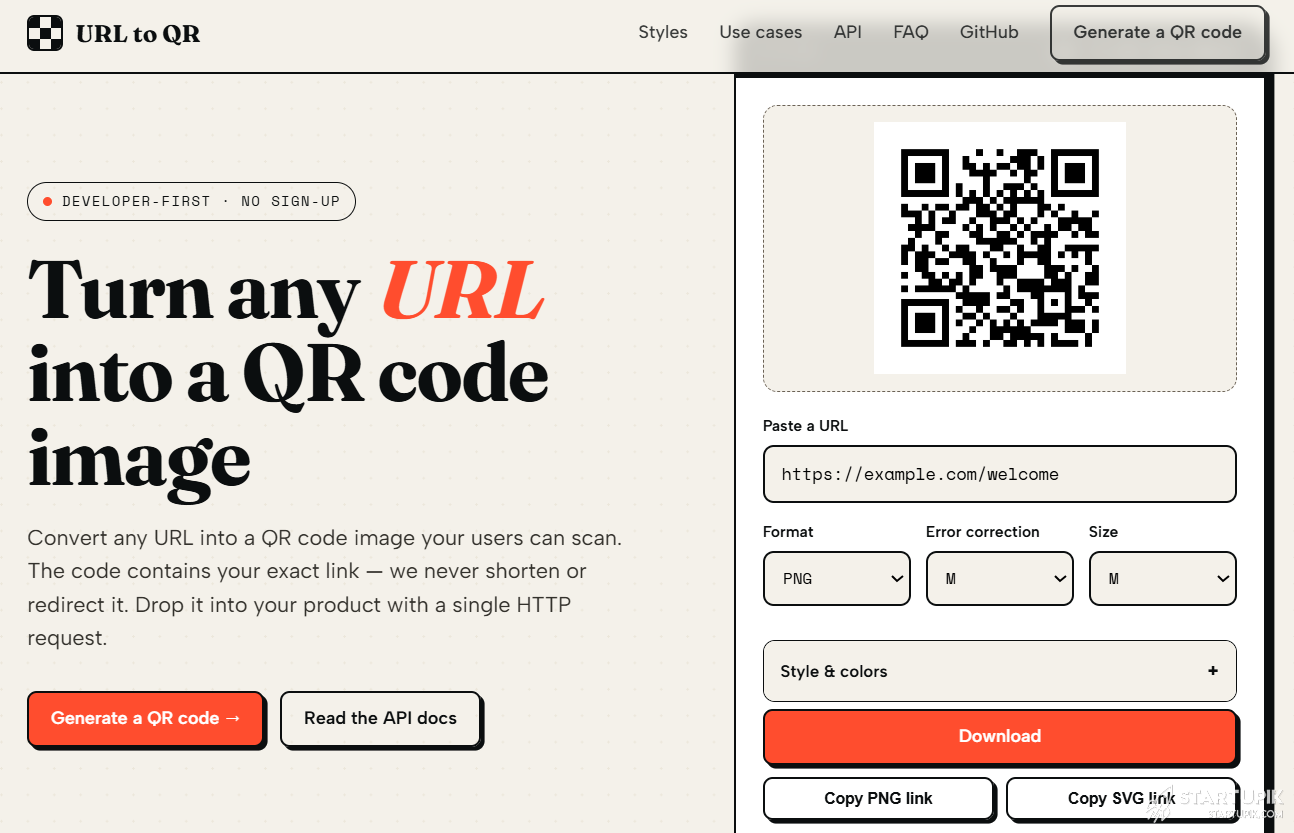
After months of searching, I found a different approach. The url to qr code service does something most business owners do not realize is possible — it creates QR codes that go directly to your website, with no middleman server that can break or start charging you later.
This guide is written for small business owners, shop managers, and entrepreneurs who just want QR codes that work, without monthly fees, without tracking, and without future surprises.
The Hidden Subscription in “Free” QR Code Generators
Most small business owners do not know how free QR generators make money. Here is the reality.
You paste your website link into a free tool. The tool creates a short link like short.link/abc123 and puts that short link into the QR code. When a customer scans it, they first visit the short link server, which then redirects them to your site. The server logs every scan. The company behind the tool can sell that data, show ads, or — most dangerously — cut off your access unless you pay.
Many of these services start free, build a user base, then introduce limits. I experienced this firsthand. My labels became worthless because I did not own the path between the QR code and my content.
How the alternative protects your business
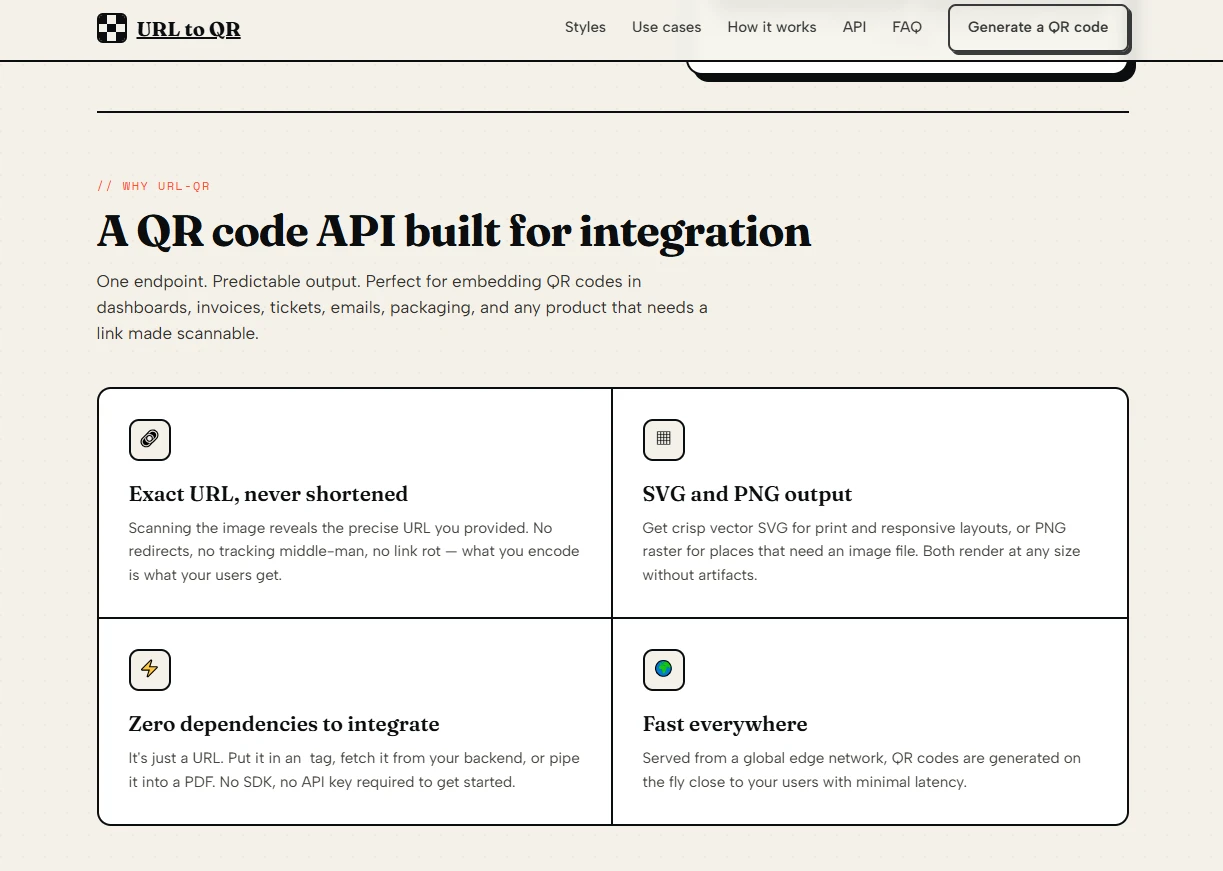
The service I now use encodes my actual website URL directly into the QR code. No short link. No redirect. No third‑party server involved when a customer scans. I generated QR codes for my new label run using their API, saved the PNG files to my computer, and sent them to my printer. The service could disappear tomorrow, and my labels would still work for the next ten years.
Testing Four Real Business Scenarios
Before committing to this service for my entire product line, I tested it against the actual ways my business uses QR codes.
Scenario one — Product packaging with custom branding
The challenge
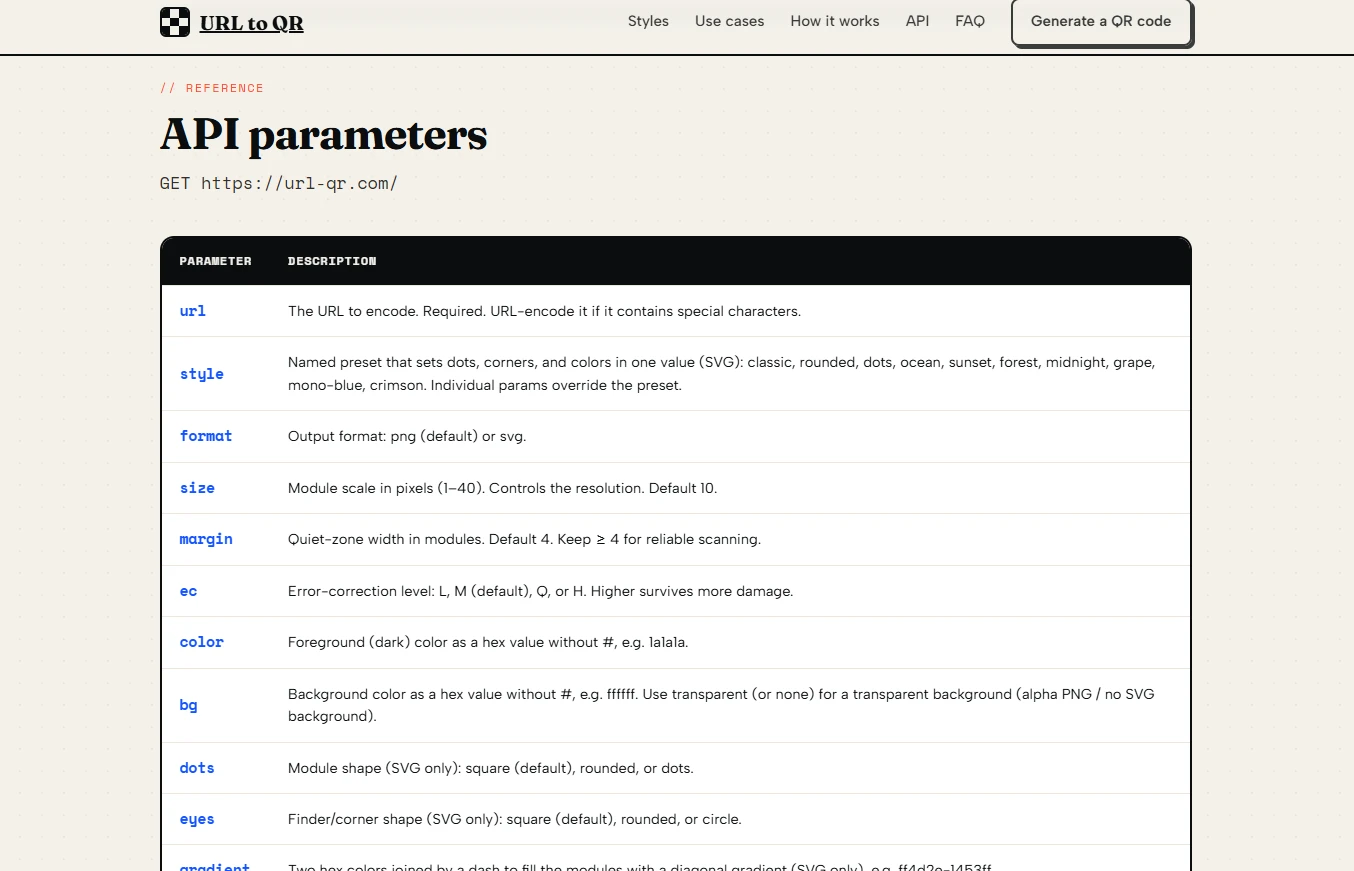
My coffee bags have a specific color palette: deep brown (#3E2723) and cream (#FFF8E1). Most QR generators only output black on white. The few that allow color changes often produce unreadable codes.
The test
I used the SVG output with color=3E2723&bg=FFF8E1 and set format=svg. The result was a QR code that matched my bag design perfectly. I printed a test batch of 50 bags and asked five employees to scan them under different lighting conditions — morning sun, indoor fluorescent, and evening warm light.
The results
All five employees successfully scanned all 50 codes on their first attempt. The vector SVG file also scaled cleanly when I resized it for different bag sizes (from small sample bags to five‑pound wholesale bags).
What this means for your business
You can match your brand colors without paying a premium “branded QR” service. Just ensure your foreground color is significantly darker than your background. I use a free online contrast checker before printing.
Scenario two — Menu QR codes for a cafe
The challenge
A friend who runs a small cafe wanted QR codes on each table that link to the digital menu. She needed the codes to be durable (laminated) and scannable from different angles and distances.
The test
I generated QR codes using size=14&ec=H (high error correction) and printed them on adhesive paper. We laminated the paper and placed one on each of 12 tables. The ec=H parameter adds redundant data so the code remains scannable even if scratched or partially covered.
The results
After one month of daily use, including coffee spills and wiping with damp cloths, all 12 QR codes still scanned on the first try. Two codes had minor scratches, but the high error correction compensated for the damage.
What this means for your business
For physical surfaces that get handled frequently, always use error correction level H. The QR code becomes larger, but the reliability improvement is worth the extra space.
Scenario three — Seasonal promotion flyers
The challenge
Every quarter, I print 2,000 flyers for a seasonal promotion. Each flyer has a QR code linking to a special offer page. I need the QR code to look attractive while remaining scannable on glossy paper.
The test
I used the style=sunset preset, which applies a warm orange‑to‑red gradient. I printed 100 test flyers on glossy stock and tested scanning under direct sunlight (worst‑case glare).
The results
The sunset gradient codes scanned reliably in 95% of direct sunlight tests. Tilting the flyer slightly eliminated glare and improved success to 100%. On indoor lighting, all scans succeeded immediately.
What this means for your business
Preset styles save time and produce professional results. However, glossy paper introduces glare. If your QR code will be viewed outdoors or under bright lights, test a small batch first.
Scenario four — Returning customer loyalty cards
The challenge
I wanted to add a QR code to loyalty punch cards that links to a sign‑up page for email discounts. The cards are small (business card size), so the QR code must be tiny but still scannable.
The test
I generated QR codes with size=8 (smallest module size) and tested different error correction levels. Level L produced the smallest QR grid but failed when the card had even minor creases. Level H produced a larger grid (more modules) but survived folding and wallet wear.
The results
Level H with size=10 (slightly larger than minimum) was the winning combination. The QR code fit on the back of a business card with room for text. After two weeks in a wallet, the card remained scannable despite visible crease lines.
What this means for your business
For small surfaces, test multiple size and error correction combinations. Do not default to the smallest possible size. A slightly larger QR code that survives real‑world wear is better than a tiny one that fails.
Cost Comparison: This Service vs. Traditional QR Platforms
| Expense Category | Typical QR Platform | This Service |
| Monthly subscription | $9–$29 per month for basic features | $0 (no subscription required) |
| Per‑scan fees after limit | Often $0.001–$0.01 per scan | No per‑scan fees (no scan‑time dependency) |
| Branded color customization | Usually locked behind paid tier | Free via color and bg parameters |
| High error correction (level H) | Often requires paid plan | Free via ec=H parameter |
| Vector output for printing | Often extra cost or unavailable | Free via format=svg |
| Risk of future pricing changes | High — your printed codes depend on their redirect service | Low — QR codes work independently after generation |
The financial risk of traditional platforms is not just the monthly fee. It is the stranded asset risk. If you print 10,000 labels with a QR code that depends on a paid service, that service can hold your labels hostage by raising prices or shutting down. This service eliminates that risk entirely.
Where Small Business Owners Need to Be Careful
I have used this service for over a year across four product lines. It is not perfect. Here are the real limitations.
No dashboard for managing QR codes. If you generate 50 different QR codes, you cannot log into an account to see them all. You must save the image files yourself. I keep a folder on Google Drive organized by product name and date.
No scan analytics. You will never know how many people scanned your code, when they scanned, or where they were. For a small business, this is often fine. For a marketing campaign where you need metrics, add a simple tracking parameter to your URL (like ?source=coffee_bag) and use your own website analytics.
The generation step requires internet. You cannot generate QR codes offline. If your internet goes down during a print production run, you will be blocked. I generate all QR codes at least one week before sending files to my printer.
PNG output does not support shape customization. If you want rounded dots or circular finder patterns, you must use SVG. Some small printers cannot handle SVG files. In that case, generate the SVG, open it in a free tool like Inkscape or GIMP, and export as a high‑resolution PNG.
Final Advice for Fellow Business Owners
The url to qr code generator service solved a problem I did not even know I had until my first QR provider changed the rules. Now, every QR code I print is permanent. I own the path from the scan to my content. No middleman can shut it down.
Use this service if you run a small business that prints QR codes on any physical surface — packaging, flyers, business cards, signs, or product labels. The lack of a subscription and the absence of scan‑time dependencies make it ideal for owners who want to set and forget.
Do not use this service if you need scan analytics, if you want to change the destination URL after printing, or if you need a dashboard to manage hundreds of QR codes. Those are different tools for different jobs.
For the rest of us who just need a reliable, good‑looking QR code that points to our website and stays working for years, this service has become an essential part of my small business toolkit.




