

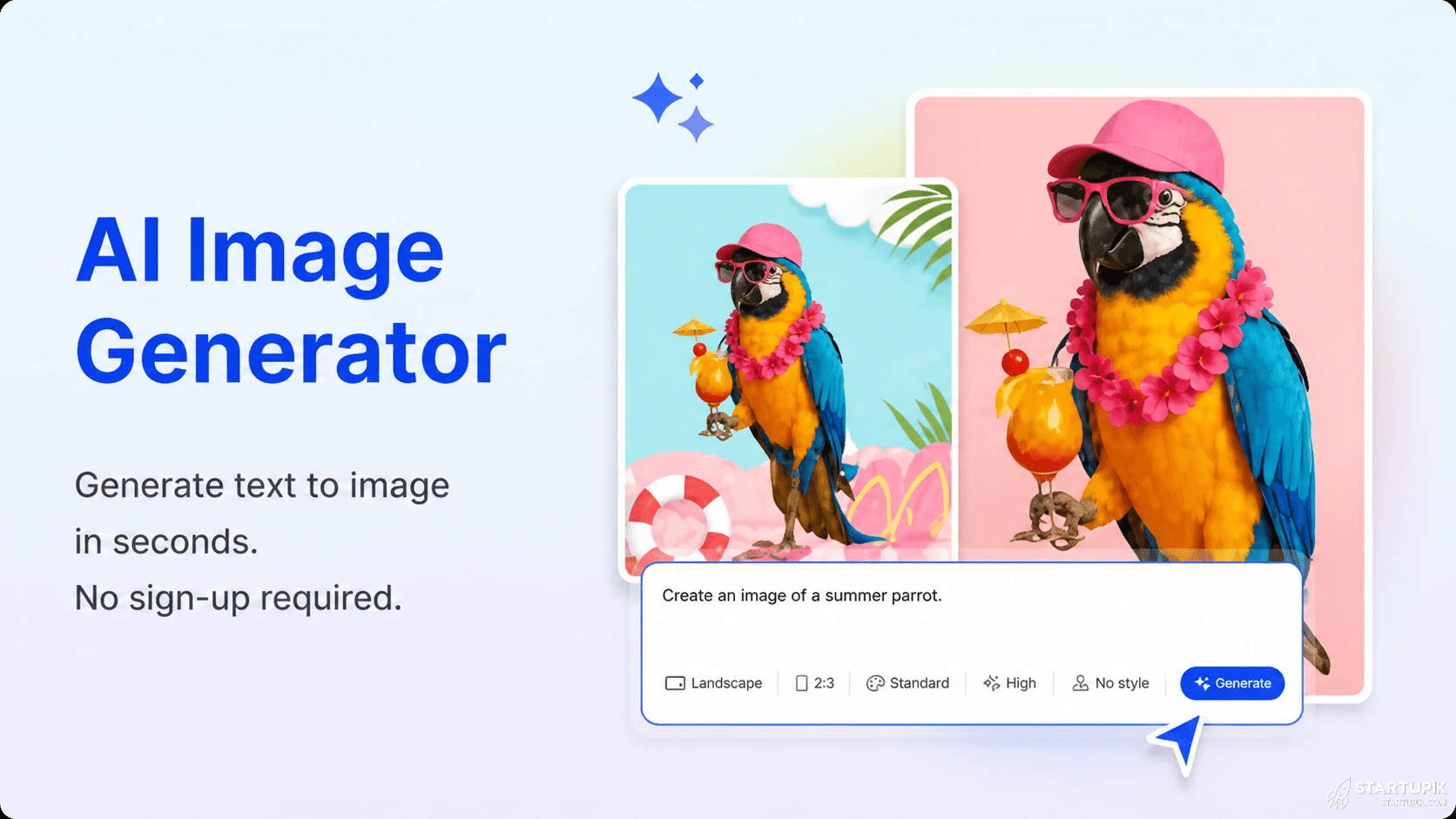
Free AI image generators changed fast in 2026. What used to feel like a toy is now being used for product mockups, YouTube thumbnails, ad creatives, pitch decks, game assets, and even fast brand testing.
The bigger surprise: the best free tools are no longer just “cheap alternatives.” Right now, some of them are good enough to replace early-stage design work entirely—if you know where each one wins and where it breaks.
Quick Answer
- Leonardo AI is one of the strongest free AI image generators in 2026 for game assets, concept art, and production-style visuals.
- Microsoft Designer / Image Creator remains one of the easiest free options for fast, general-purpose image generation with low friction.
- Adobe Firefly stands out for brand-safe workflows, text effects, and commercial-facing creative work, though free limits are tighter.
- Canva AI works best for users who need to generate images and immediately place them into presentations, social posts, or marketing assets.
- Ideogram is one of the best free choices when accurate text inside images matters, such as posters, thumbnails, and social graphics.
- The best free tool depends on the task: text rendering, realism, speed, editing workflow, and usage limits vary more than raw image quality.
What Free AI Image Generators in 2026 Actually Are
Free AI image generators are tools that turn text prompts into visuals. You type what you want—such as “minimalist skincare product on marble table, soft morning light, luxury ad style”—and the model creates images from that description.
In 2026, the category is broader than simple text-to-image. Many tools now include style presets, image editing, background replacement, inpainting, upscaling, and prompt guidance. That matters because most users do not just want “an image.” They want a usable asset.
The key shift is this: the competition is no longer only about who makes the prettiest art. It is about workflow speed, consistency, editing control, and output reliability.
Why It’s Trending
The hype is not only about creativity. It is about cost and speed pressure.
Startups, creators, ecommerce sellers, and agencies are under pressure to publish more visual content than ever. Social feeds move faster. Ad testing cycles are shorter. Product teams need mockups before designers are even involved. AI image tools fit that gap.
Another reason: search and content platforms now reward visual freshness. A blog post, landing page, ad, or newsletter with custom visuals performs better than recycled stock imagery in many niches. Free AI image generators make that possible without hiring a designer for every asset.
But there is also a less obvious reason behind the trend: the winners are reducing friction. The tools gaining traction in 2026 are the ones that let users generate, edit, resize, and export in one place. People are not looking for an art demo. They are looking for a production shortcut.
Top Free AI Image Generators in 2026 Compared
| Tool | Best For | Key Strength | Main Trade-Off |
|---|---|---|---|
| Leonardo AI | Concept art, assets, stylized visuals | Strong model variety and creative control | Free credits can run out quickly with heavy use |
| Microsoft Designer / Image Creator | Fast general image generation | Simple, accessible, beginner-friendly | Less granular control for advanced users |
| Adobe Firefly | Commercial content, brand-safe design | Clean interface and editing ecosystem | Free usage is often more limited |
| Canva AI | Marketing content and quick layouts | Generate and publish in one workflow | Image quality can lag behind specialist tools |
| Ideogram | Text in images | Better typography accuracy than many rivals | Not always the best for photorealism |
| Playground AI | Casual design, social visuals, experimentation | Easy generation plus editing options | Output consistency varies by prompt style |
Leonardo AI
Leonardo AI keeps showing up in serious creator workflows because it is not limited to pretty one-off outputs. It works well when you need variations, style consistency, and asset production.
It is especially strong for gaming concepts, fantasy visuals, product scenes, and semi-cinematic art. If you are building visual worlds, not just single posts, Leonardo often beats simpler free tools.
Why it works: better creative range and more controls than many mainstream free tools.
When it works: concept art, YouTube thumbnails, visual storytelling, mock campaigns.
When it fails: if you need polished text in-image or extremely simple, beginner-first workflows.
Microsoft Designer / Image Creator
This is one of the easiest entry points for users who want quick results with minimal setup. It is often the best answer for someone who needs a visual right now, not a prompt engineering project.
It performs well for blog illustrations, social visuals, simple marketing images, and broad lifestyle prompts.
Why it works: low friction, fast access, easy for non-designers.
When it works: general business content, internal presentations, article graphics.
When it fails: advanced art direction, high consistency across batches, or detailed commercial design workflows.
Adobe Firefly
Adobe Firefly matters because many businesses care less about novelty and more about workflow trust. Firefly is often chosen by teams that already live inside Adobe tools and want generation, editing, and revision in one ecosystem.
It is useful for campaign concepts, branded visuals, text effects, and marketing content where editing matters as much as generation.
Why it works: safer enterprise perception and smoother design handoff.
When it works: marketing teams, agencies, and creators already using Adobe.
When it fails: if your main priority is maximizing free volume or experimenting heavily without limits.
Canva AI
Canva AI is not always the strongest on pure image generation quality, but it wins where many people actually work: social media, slide decks, lead magnets, ecommerce promos, and fast branded content.
The advantage is obvious. You generate the image and immediately drop it into the final asset.
Why it works: speed from idea to publish.
When it works: small business content, creator workflows, social teams.
When it fails: if you need highly cinematic or deeply customized visuals.
Ideogram
Ideogram has become a go-to tool for one reason many rivals still struggle with: text accuracy inside images.
If you need a poster, thumbnail, event cover, quote graphic, or product promo where readable typography matters, Ideogram can save time that would otherwise be spent fixing broken lettering in an editor.
Why it works: better handling of embedded text.
When it works: posters, ads, social creatives, merch mockups.
When it fails: if your goal is hyper-realistic photography or nuanced product rendering.
Playground AI
Playground AI remains popular with users who want a flexible, creative environment without feeling trapped in a rigid enterprise workflow.
It is useful for moodboards, experimental visuals, social concepts, and casual design tasks.
Why it works: approachable interface with room to experiment.
When it works: creators testing directions fast.
When it fails: when you need consistent outputs at scale for a brand system.
Real Use Cases
1. Ecommerce product testing
A small skincare brand can generate five ad concepts before paying for a real photoshoot. For example, it might test “luxury spa mood,” “clinical white background,” and “natural organic setting” creatives for click-through rate.
This works because AI reduces concept validation cost. It fails when the business needs exact product geometry, packaging compliance, or legally safe claims imagery.
2. YouTube thumbnails
Creators use AI image generators to build dramatic thumbnail backgrounds, character concepts, or visual metaphors. A finance channel might generate “stock market crash as collapsing red skyscrapers” instead of using generic charts.
This works when emotion matters more than strict realism. It fails if faces, logos, or text must be perfectly accurate.
3. Startup pitch decks
Founders use free AI image tools to create polished hero visuals for slides, landing page mocks, and industry scenarios before hiring a design team.
This works in early-stage storytelling. It fails when investors expect precise product screens or realistic customer evidence.
4. Blog and newsletter visuals
Publishers increasingly use AI-generated featured images to avoid overused stock photography. A cybersecurity article can use a custom visual with a stronger narrative angle than a generic lock icon.
This works because custom visuals improve distinctiveness. It fails when every article starts looking like the same AI style.
5. Game and app asset ideation
Indie developers use Leonardo AI and similar tools to explore worlds, interfaces, enemies, icons, or environmental mood before commissioning final assets.
This works for ideation. It fails if teams try to skip production pipelines and use rough AI outputs as final game-ready assets without cleanup.
Pros & Strengths
- Lower cost: useful for early-stage design work, testing, and ideation without hiring immediately.
- Faster iteration: users can compare multiple creative directions in minutes.
- More content volume: marketers and creators can produce custom visuals at scale.
- Better than stock for uniqueness: especially for niche topics or abstract concepts.
- Helpful for non-designers: many tools remove software complexity.
- Integrated workflows: some platforms now combine generation, editing, and publishing.
Limitations & Concerns
- Free plans are rarely truly free at scale: credits, queues, watermarks, or lower priority can become a bottleneck fast.
- Consistency is still a problem: generating one strong image is easier than producing a full branded set with matching style.
- Text rendering varies: only a few tools handle in-image typography reliably.
- Prompt dependence is real: weak prompts produce generic visuals, and many users blame the tool instead of the input.
- Commercial use rules can differ: users need to check licensing, attribution, and platform-specific restrictions.
- Realism can break under detail: hands, product shapes, packaging text, and UI elements still expose weaknesses.
- AI sameness is growing: overuse creates visuals that feel polished but forgettable.
The biggest trade-off in 2026 is simple: free AI image tools are amazing at exploration, but less reliable at precision. That is why smart teams use them at the top of the funnel, not blindly at the finish line.
Comparison: Which Tool Is Best for What?
- Best for beginners: Microsoft Designer / Image Creator
- Best for concept art and creative control: Leonardo AI
- Best for marketing workflow: Canva AI
- Best for text inside images: Ideogram
- Best for Adobe users and commercial-facing design: Adobe Firefly
- Best for experimentation: Playground AI
If your priority is speed, choose Microsoft Designer or Canva AI.
If your priority is creative depth, choose Leonardo AI.
If your priority is typography, choose Ideogram.
If your priority is brand workflow, choose Adobe Firefly.
Should You Use It?
Use free AI image generators if you are:
- A creator who needs thumbnails, article visuals, or social graphics fast
- A startup validating ideas before hiring full design support
- An ecommerce seller testing ad concepts and product scene directions
- A marketer producing high-volume content with limited budget
- A developer or designer exploring visual directions before production
Avoid relying on them too heavily if you are:
- A brand that needs strict visual consistency across campaigns
- A team producing regulated, compliance-sensitive content
- A business needing exact product representation
- A publisher that risks making every visual feel algorithmically similar
The practical answer: yes, use them—but mainly for ideation, first drafts, testing, and speed layers. Do not assume free generation replaces design judgment.
FAQ
What is the best free AI image generator in 2026?
There is no single best option for everyone. Leonardo AI is strong for creative control, Microsoft Designer for ease, and Ideogram for text-heavy visuals.
Are free AI image generators good enough for commercial use?
Sometimes, yes. But users must review each platform’s licensing rules, output rights, and usage restrictions before publishing client or brand content.
Which free AI image generator is best for realistic images?
It depends on the prompt and model, but tools like Leonardo AI and Adobe Firefly often perform better than simpler layout-first tools when realism matters.
Which tool is best for social media graphics?
Canva AI and Ideogram are strong options. Canva is better for workflow, while Ideogram is better when readable text inside the image matters.
Do free AI image generators add watermarks?
Some do, some do not, and some limit export quality instead. The free plan terms vary by platform and can change over time.
Why do AI-generated images still look wrong sometimes?
Because image models are good at pattern synthesis, not true understanding. Fine details like hands, labels, interfaces, and exact objects still expose weaknesses.
Can these tools replace graphic designers?
No, not fully. They speed up ideation and asset creation, but they do not replace strategic brand thinking, layout judgment, or production-quality design systems.
Expert Insight: Ali Hajimohamadi
Most people compare AI image tools by asking which one makes the “best image.” That is the wrong question. In real business use, the winning tool is the one that cuts the most workflow friction between idea and publish.
I have seen teams waste hours chasing slightly better visuals while ignoring the bigger bottleneck: consistency, editing speed, and output usability. A beautiful image that cannot fit your campaign system is less valuable than a solid image you can deploy in 10 minutes.
The underrated risk in 2026 is sameness. As more brands use AI for visuals, differentiation will come less from generation quality and more from taste, direction, and narrative control.
Final Thoughts
- Free AI image generators are no longer niche tools; they are part of mainstream content production.
- Leonardo AI, Microsoft Designer, Adobe Firefly, Canva AI, Ideogram, and Playground AI each win in different scenarios.
- The best tool depends on the job, not just image quality.
- Speed and workflow integration are now as important as artistic output.
- Free plans come with real limits, especially for volume, consistency, and commercial use.
- The smartest use case is ideation and testing, not blind replacement of design expertise.
- In 2026, taste is the new moat; the tool is accessible, but strong visual judgment is still rare.


A beautiful blonde fairy girl in a dreamy fairycore aesthetic, soft glowing golden light, wearing a delicate pastel pink flowy dress, surrounded by flowers, butterflies and sparkles, magical enchanted forest background, ethereal atmosphere, soft focus, cinematic lighting, ultra detailed, pinterest style, 4k, fantasy, gentle expression, light freckles, glowing skin, fairy wings, whimsical and magical vibe
comment not a good place for share prompts 😉