

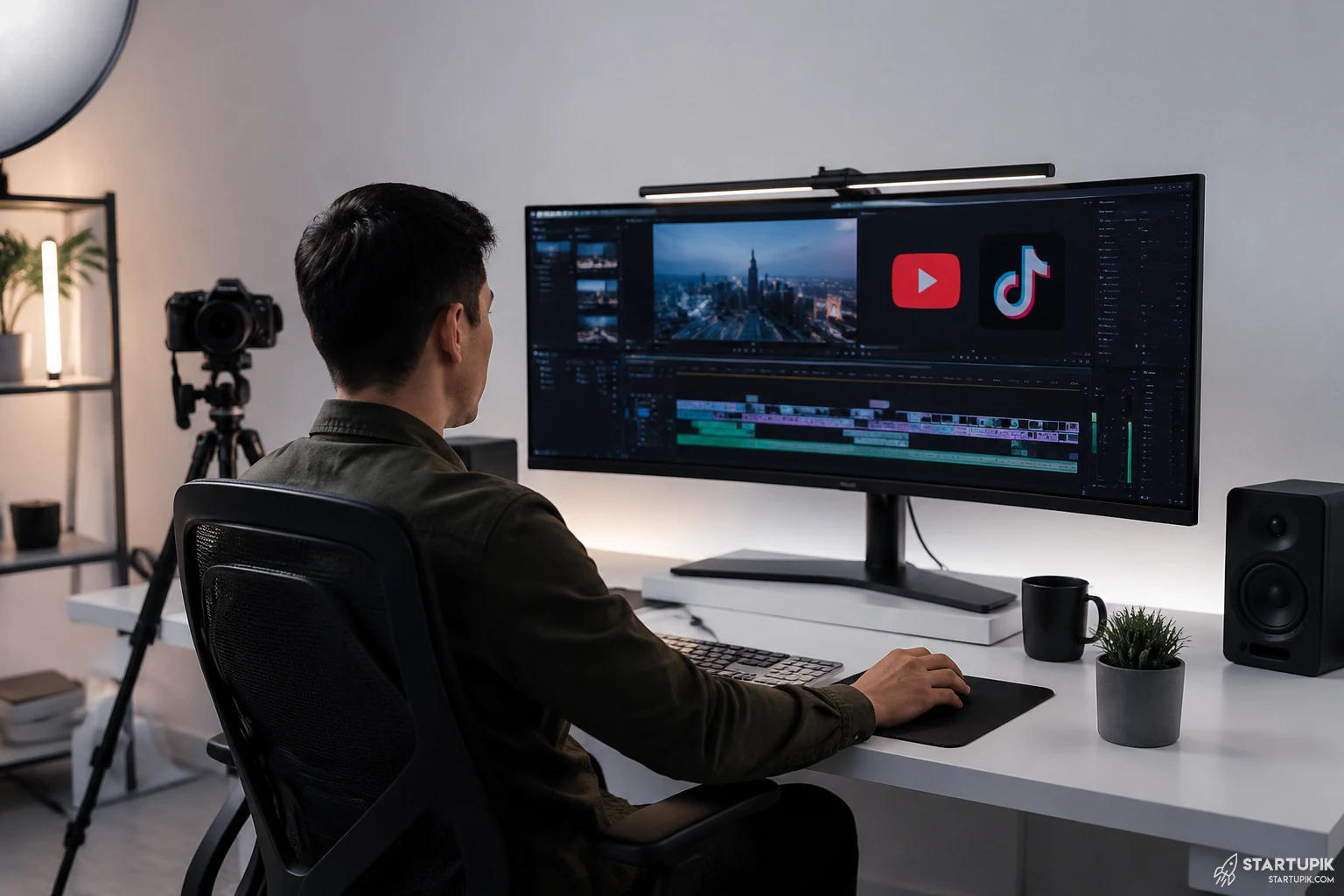
Faceless YouTube channels can now be built much faster with AI video tools, but the best tool depends on your format. In 2026, the strongest setups usually combine script generation, voiceover, stock media, subtitles, and editing automation rather than relying on one platform to do everything.
Quick Answer
- Pictory is one of the best AI video tools for turning scripts or blog posts into faceless YouTube videos fast.
- InVideo AI works well for beginners who want prompt-based video creation with minimal editing.
- Synthesia is best for avatar-led explainer videos, but less ideal for classic faceless YouTube storytelling.
- Descript is strong for voice-first workflows, podcast clips, and editing by transcript.
- Runway is better for creators who need higher-end AI visuals, B-roll generation, and scene control.
- CapCut remains one of the best low-cost options for subtitles, templates, repurposing, and short-form scaling.
What Users Really Want From AI Video Tools for Faceless YouTube Channels
The search intent here is mostly decision-making. People are not asking what faceless channels are. They want to know which tools are actually worth using.
For faceless YouTube, the tool decision usually depends on five things:
- Output quality of visuals, voice, and editing
- Speed from idea to published video
- Commercial usage rights and media licensing
- Workflow fit with YouTube Shorts, long-form, or list content
- Scale economics if you plan to publish daily or run multiple channels
Right now, the winning channels are rarely using a single tool. They are using a stack.
Best AI Video Tools for Faceless YouTube Channels
| Tool | Best For | Key Strength | Main Limitation | Best Fit |
|---|---|---|---|---|
| Pictory | Script-to-video workflows | Fast conversion of text into video scenes | Visuals can feel templated | List channels, explainer channels, repurposed content |
| InVideo AI | Beginner-friendly video generation | Prompt-based creation with voiceover and visuals | Less control for advanced editors | Solo creators and fast-testing channels |
| Synthesia | Avatar presentations | Professional AI presenters and multilingual output | Not ideal for documentary-style faceless content | Tutorials, B2B education, training channels |
| Descript | Voice and editing workflows | Edit video by editing text transcript | Not a full visual generation engine | Commentary channels, podcast-style channels |
| Runway | Creative AI visuals | Advanced generative video and scene editing | Higher learning curve and variable consistency | Cinematic faceless channels and premium storytelling |
| CapCut | Short-form production | Fast editing, captions, templates, social repurposing | Less strategic automation for long-form scripting | Shorts-heavy channels and repurposing workflows |
| VEED | Simple online editing | Subtitles, cleanup, web-based editing | Can feel limited for complex production | Lean teams and quick content pipelines |
| Lumen5 | Blog-to-video content | Easy text-to-video transformation | Less differentiated YouTube style | SEO content teams and content repurposing |
Detailed Breakdown of the Best Tools
Pictory
Pictory is a strong choice if your workflow starts from a script, blog post, newsletter, or research summary. It is built for turning text into scenes quickly.
This works best for channels that publish:
- Top 10 videos
- Business explainers
- Finance summaries
- AI news recaps
- Educational faceless content
Why it works: it reduces production time. You can move from script to rough cut quickly, then improve pacing, visuals, and branding.
When it fails: if you want highly distinctive storytelling, documentary pacing, or cinematic visuals, the output can look generic unless you manually edit it.
Best for: creators optimizing for volume over handcrafted visual identity.
InVideo AI
InVideo AI has become one of the most accessible options for creators who want to type a prompt and get a usable video draft. It is especially attractive for new faceless channel operators in 2026.
Why it works:
- Fast idea-to-video flow
- Built-in voiceover options
- Automatic scene generation
- Good enough for testing content angles
Trade-off: ease of use usually means less granular control. If you are running a serious media brand, you may outgrow it and move to a more modular workflow.
Best for: beginners, affiliate channels, trend-based channels, and people testing niches before investing in editors.
Synthesia
Synthesia is often mentioned in AI video lists, but it is not always the right answer for faceless YouTube. It is strongest when you actually want a consistent AI presenter on screen.
Where it wins:
- Training content
- SaaS tutorials
- B2B educational channels
- Multilingual distribution
Where it breaks: if your channel style relies on dynamic B-roll, storytelling, meme pacing, documentary flow, or curiosity-driven hooks, avatar videos can reduce retention.
Best for: companies, agencies, internal learning teams, and founders building authority channels rather than entertainment-first faceless channels.
Descript
Descript is not a full script-to-video generator in the same way as Pictory or InVideo AI, but it is one of the best tools for channels built around narration, commentary, interviews, or podcast-style visuals.
Why it works: editing by transcript is fast. If your process starts with voice, Descript is often more efficient than timeline-heavy editors.
Strong use cases:
- Faceless commentary channels
- Reaction-style educational videos
- Podcast clipping
- Long-form to Shorts repurposing
Limitation: you still need external sources for stronger visuals, animations, or AI-generated scenes.
Best for: creators whose moat is voice, insight, or analysis rather than visuals alone.
Runway
Runway is one of the more advanced AI video platforms for creators who want more original visuals. It is relevant right now because generative video quality has improved recently, and more YouTube operators are using AI visuals as B-roll instead of relying only on stock media.
Why it works:
- Better creative control
- AI-generated motion and scenes
- Useful for stylized storytelling
- Higher-end visual differentiation
Trade-off: this is not the fastest low-skill tool. It takes more iteration. Output consistency can still vary, and generation costs can increase if you are producing at scale.
Best for: premium channels, experimental storytelling, AI cinema-style channels, and teams building a stronger content brand.
CapCut
CapCut remains one of the most practical tools in the stack, especially for YouTube Shorts and cross-posting to TikTok and Instagram Reels.
Why it works: it is fast, cheap, familiar, and built for mobile-native pacing. Many faceless channels use more advanced tools for raw production and then finish inside CapCut.
Best use cases:
- Subtitle-heavy videos
- Short-form editing
- Trend response content
- Repurposing long-form clips
When it fails: if your workflow depends on deep asset management, team approvals, or enterprise-grade branding, CapCut can become operationally messy.
VEED
VEED is a good middle-ground option for creators who want browser-based editing with built-in subtitles, cleanup, and simple production features.
It works well when:
- You need a lightweight team workflow
- You do not want heavy desktop software
- You publish educational or informational videos
It is weaker when: you need deep AI scene generation, advanced motion design, or a unique visual identity.
Lumen5
Lumen5 is still useful for turning blog content into videos, especially for content marketing teams and startups repurposing written content into YouTube assets.
Why it works: if your company already produces SEO content, it gives you a path to expand into video without starting from zero.
Main limitation: YouTube rewards retention and originality. Blog-to-video alone often looks too obvious unless the content is heavily reworked.
Best AI Video Tools by Use Case
Best for beginners
- InVideo AI
- CapCut
- VEED
Best for long-form faceless YouTube videos
- Pictory
- Descript
- Runway
Best for Shorts and repurposing
- CapCut
- Descript
- VEED
Best for business, training, and multilingual explainers
- Synthesia
- VEED
- Descript
Best for visual differentiation
- Runway
- CapCut with manual editing
What Actually Makes a Faceless YouTube Workflow Work
The tool matters, but the workflow matters more. Most channels that scale are built on a repeatable content pipeline.
A common high-output workflow looks like this:
- Research: ChatGPT, Perplexity, internal notes, or niche-specific sources
- Script: AI-assisted drafting with human editing
- Voice: ElevenLabs, Descript, or recorded narration
- Video assembly: Pictory, InVideo AI, Runway, or VEED
- Final editing: CapCut or Descript
- Thumbnail and optimization: Canva, Photoshop, TubeBuddy, vidIQ
This works when your channel has a clear format. For example, “3-minute AI startup news,” “finance explainers,” or “daily history facts.”
This fails when every video uses a different structure. AI tools help most when the format is standardized.
Commercial Usage, Copyright Safety, and Risk
This is where many creators make bad decisions. A tool may be fast, but that does not automatically make it safe for monetized YouTube content.
Before choosing any AI video platform, check:
- Commercial usage rights for generated videos
- Stock footage licensing inside the platform
- Voice cloning rules and consent requirements
- Music licensing for monetized YouTube use
- Platform policy changes around AI-generated content
Why this matters now: in 2026, YouTube monetization reviews are stricter around repetitive and low-value AI content. The issue is not “AI” itself. The issue is originality, transformation, and viewer value.
Safe approach: use AI to accelerate production, but keep human control over script quality, pacing, narrative angle, and final edit.
Pricing and Scale Trade-Offs
Cheaper tools are not always cheaper once you scale. Founders and creators often underestimate revision time.
| Scenario | What Looks Cheap | What Actually Gets Expensive |
|---|---|---|
| Daily Shorts production | CapCut or VEED alone | Manual clipping and inconsistency across editors |
| Long-form list videos | Pictory or InVideo AI | Revision time if scenes do not match the script well |
| Premium visual storytelling | Runway | Generation credits, iteration cycles, creative QA |
| Multilingual business content | Synthesia | Higher-tier plans and localization review |
If you are running a content business, measure:
- Cost per published video
- Editing time per minute
- Retention impact after tool changes
- Thumbnail CTR versus video completion rate
Expert Insight: Ali Hajimohamadi
Most founders think the best AI video tool is the one that saves the most production time. That is usually the wrong metric. The better question is: which tool preserves audience retention while reducing labor?
I have seen teams over-automate video creation and kill performance because the content starts looking interchangeable. For faceless YouTube, speed is not the moat. Pattern recognition plus editorial taste is the moat.
A practical rule: if a tool saves 4 hours but drops watch time by 15%, it is not cheaper. It is a hidden growth tax.
How to Choose the Right Tool for Your Channel
Choose Pictory if
- You publish script-led explainers
- You want fast text-to-video production
- You care more about consistency than cinematic uniqueness
Choose InVideo AI if
- You are just starting
- You want prompt-based simplicity
- You need fast niche testing
Choose Synthesia if
- You want an AI presenter
- You run educational, SaaS, or training content
- You need multilingual output
Choose Descript if
- Your channel is voice-first
- You edit interviews, commentary, or podcast clips
- You want transcript-based editing
Choose Runway if
- You want visual differentiation
- You can tolerate more iteration
- You are building a premium-looking content brand
Choose CapCut if
- You focus on YouTube Shorts
- You need fast subtitles and templates
- You want a low-cost finishing layer
Recommended Tool Stacks
Low-cost starter stack
- Script: ChatGPT
- Video: InVideo AI
- Edit: CapCut
- Thumbnail: Canva
Long-form educational stack
- Research: Perplexity or internal docs
- Script: ChatGPT plus human editing
- Voice: ElevenLabs
- Video: Pictory
- Final edit: Descript or CapCut
Premium storytelling stack
- Script: Human-led with AI support
- Visual generation: Runway
- Edit: CapCut or desktop NLE
- Voice: ElevenLabs or recorded narration
Common Mistakes When Using AI Video Tools
- Using one-click output without editing: this often hurts retention.
- Ignoring licensing terms: risky for monetized channels.
- Choosing tools based only on hype: many viral demos do not reflect production reality.
- Optimizing for speed over originality: this creates repetitive content.
- Not measuring watch time after workflow changes: you need performance data, not just convenience.
FAQ
What is the best AI video tool for faceless YouTube channels overall?
Pictory is one of the best overall choices for script-based faceless YouTube videos. If you want more creative control, Runway can be stronger. If you want simplicity, InVideo AI is often the better starting point.
Can I monetize faceless YouTube videos made with AI?
Yes, but monetization depends on originality, transformation, and policy compliance. Low-effort repetitive content is more likely to face review problems. AI assistance is fine; low-value automation is the real risk.
Are free AI video tools enough for a faceless channel?
They are enough for testing ideas, but not always for scaling. Free plans often include watermarks, export limits, lower-quality media, or restricted commercial use.
Which AI tool is best for YouTube Shorts?
CapCut is one of the best for Shorts because of its subtitle tools, templates, speed, and mobile-first editing workflow. Descript is also strong for turning long-form content into clips.
Is Synthesia good for faceless YouTube?
It can be, but only for certain formats. It works best for training, tutorials, SaaS education, and multilingual explainer content. It is less effective for high-retention storytelling or entertainment-style channels.
What is the safest workflow for copyright and licensing?
Use tools with clear commercial rights, review stock media licenses, avoid unlicensed music, and keep human editorial input in the final output. Do not assume every generated asset is automatically risk-free.
Should I use one tool or a stack?
For most serious creators, a stack is better. One tool may generate a rough draft, but separate tools often perform better for voice, editing, captions, thumbnails, and optimization.
Final Recommendation
If you want the simplest answer, Pictory, InVideo AI, Runway, Descript, Synthesia, and CapCut are the best AI video tools for faceless YouTube channels right now in 2026.
The best choice depends on your content model:
- Pictory for script-driven explainers
- InVideo AI for easy, fast production
- Runway for more original visuals
- Descript for voice-led editing
- Synthesia for avatar-based business content
- CapCut for Shorts and finishing
The main decision is not just which tool makes videos faster. It is which tool helps you publish at scale without making your channel look generic.


