

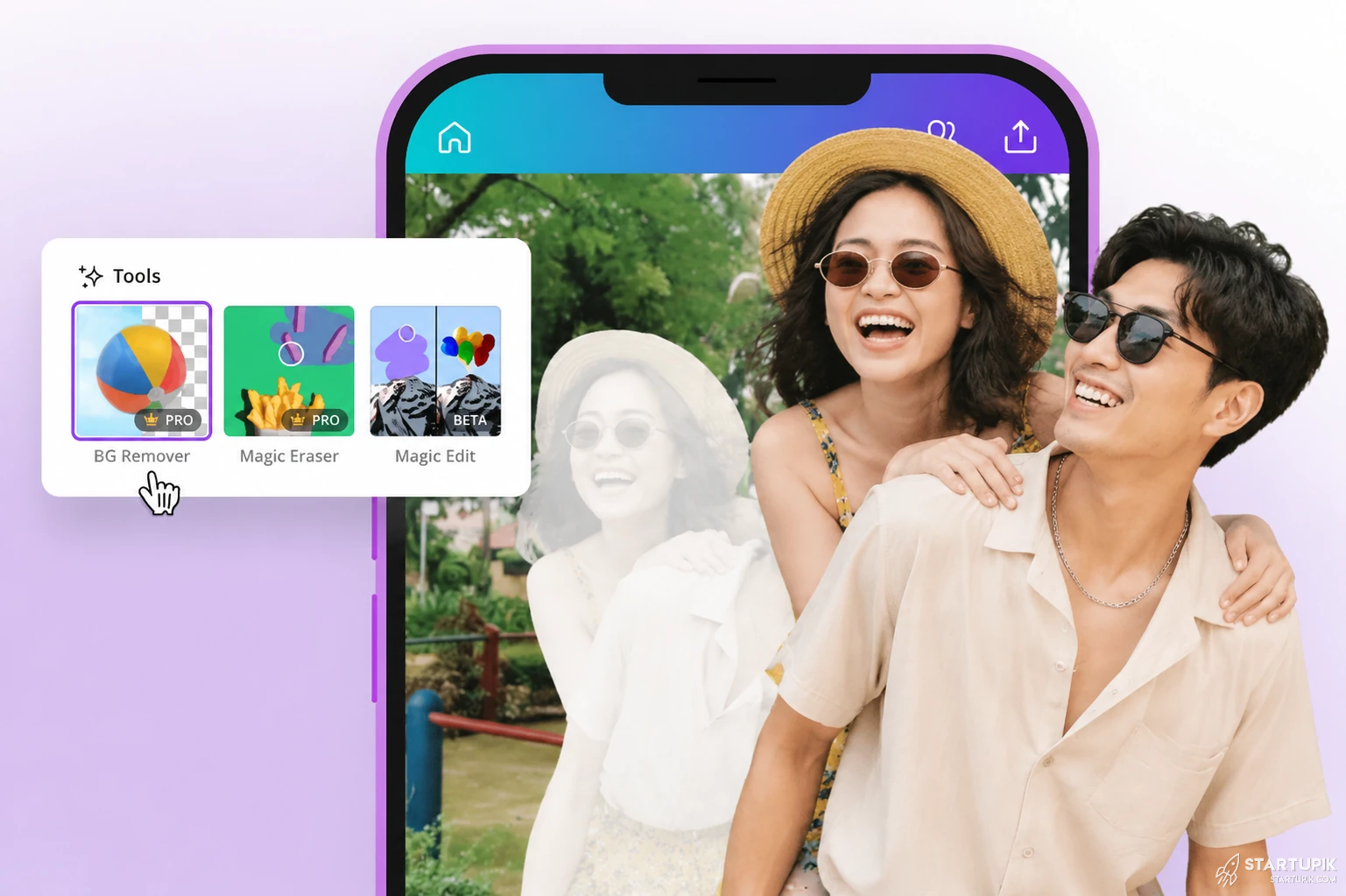
AI photo editing changed fast in 2026. What looked like a gimmick two years ago is now replacing hours of manual retouching in one click.
Right now, the real question is not whether AI editors work. It is which one actually gives you usable results without fake skin, broken hands, or licensing headaches.
Quick Answer
- Adobe Photoshop is still the best overall AI photo editor in 2026 for professionals who need control, layered editing, and reliable generative tools.
- Canva is the best AI photo editor for fast social content, simple background edits, and non-designers who want speed over precision.
- Luminar Neo is one of the strongest options for portrait and landscape enhancement when you want dramatic edits without learning Photoshop.
- Pixelcut is a top choice for ecommerce sellers because its AI background removal, product cleanup, and batch workflows save time on catalog images.
- Fotor and Picsart work well for casual users, but they usually fall behind in realism, consistency, and fine-detail control on complex edits.
- The best tool depends on your workflow: professionals need editing depth, creators need speed, and businesses need repeatable output at scale.
What AI Photo Editors Are in 2026
AI photo editors are no longer just filters with better branding. In 2026, they combine image generation, object removal, relighting, skin correction, upscaling, background replacement, and style transfer inside one workflow.
The key difference now is context awareness. Modern tools do not just blur backgrounds or brighten faces. They try to understand what is in the image, what should stay realistic, and what should be replaced.
That matters because editing speed is no longer the main selling point. Believable output is.
Why It’s Trending
The hype is not just about convenience. It is about economics.
Brands, creators, freelancers, and ecommerce teams suddenly need more image variations than human editors can produce fast enough. One product photo now turns into ten regional ads, four social crops, two holiday versions, and a marketplace listing.
AI editors are trending because they reduce the cost of versioning visual content. That is the real shift.
Another reason: smartphone cameras are already good enough. People do not need perfect source images anymore. They need software that can rescue average shots and make them campaign-ready.
But there is a catch. Viral AI edits often look impressive in thumbnails and weak in full resolution. That is why the best tools in 2026 are not the ones with the most features. They are the ones that stay consistent under scrutiny.
Real Comparison: Best AI Photo Editors in 2026
| Tool | Best For | Main Strength | Where It Fails | Pricing Position |
|---|---|---|---|---|
| Adobe Photoshop | Professionals, agencies, advanced creators | Best control + strongest all-around AI editing workflow | Learning curve and subscription cost | Premium |
| Canva | Marketers, teams, non-designers | Fast edits inside a content workflow | Weak fine-detail retouching | Mid-range |
| Luminar Neo | Portraits, landscapes, enthusiast photographers | Strong enhancement tools with less manual effort | Can over-process images | Mid-range |
| Pixelcut | Ecommerce and product sellers | Fast product image cleanup and background work | Limited deep editing | Mid-range |
| Fotor | Casual users and quick fixes | Easy access and simple AI enhancements | Inconsistent realism on harder edits | Budget |
| Picsart | Social creators and mobile editing | Creative effects and mobile-first speed | Can feel template-heavy | Budget to mid-range |
Best AI Photo Editors Reviewed
1. Adobe Photoshop
Best overall for serious editing.
Photoshop remains the benchmark because AI features are layered on top of a mature editing environment. Generative Fill, object replacement, selection tools, and smart retouching all work better when you also have masks, layers, blending, and manual correction.
Why it works: when AI gets 80% right, Photoshop gives you the tools to fix the final 20%.
When it works best: commercial retouching, composite images, campaign assets, portrait cleanup, and high-stakes client work.
When it fails: beginners often overestimate one-click edits and underestimate cleanup time.
2. Canva
Best for fast content production.
Canva is winning because it fits real team behavior. A marketer can remove a background, expand an image, add copy, resize for five platforms, and publish without opening another app.
Why it works: editing happens inside the distribution workflow.
When it works best: social media posts, ad variations, presentation visuals, quick creator assets.
When it fails: detailed skin retouching, realistic object replacement, and precision edits still feel limited.
3. Luminar Neo
Best for photographers who want strong results fast.
Luminar Neo stands out for portrait enhancement, sky replacement, relighting, and atmosphere adjustments. It is especially attractive for users who want polished images without deep manual editing skills.
Why it works: it compresses technical photography adjustments into simpler controls.
When it works best: weddings, travel shots, outdoor portraits, real estate enhancement.
When it fails: if pushed too far, edits can look synthetic and overly dramatic.
4. Pixelcut
Best for ecommerce product photography.
Pixelcut is built for sellers, not art directors. That is exactly why it matters. It helps users clean product shots, remove messy backgrounds, create marketplace-ready images, and generate simple commercial variations quickly.
Why it works: it solves repetitive business tasks instead of trying to be a full creative suite.
When it works best: Amazon listings, Shopify product pages, resale platforms, fashion catalog images.
When it fails: brand-heavy editorial visuals and advanced retouching need more control than Pixelcut offers.
5. Fotor
Best for casual editing and quick AI fixes.
Fotor is easy to use and covers common tasks like enhancement, object removal, portrait edits, and stylized transformations.
Why it works: low friction matters for users who do not want a complex interface.
When it works best: profile photos, blog images, quick marketing visuals, small business use.
When it fails: consistency drops on harder edits like hair detail, complex backgrounds, and realism-sensitive portraits.
6. Picsart
Best for mobile creators and fast visual experiments.
Picsart remains popular because it mixes AI editing with templates, effects, and creator-friendly design tools. It is less about precision and more about producing attention-grabbing visuals quickly.
Why it works: speed and creative flexibility are more important than perfection for many creators.
When it works best: reels covers, story graphics, meme content, creator branding.
When it fails: polished brand campaigns can end up looking generic if you rely too much on built-in styles.
Real Use Cases
Ecommerce teams
A small skincare brand can photograph 20 products on a phone, use Pixelcut or Photoshop to clean packaging reflections, swap backgrounds, and create marketplace-ready images in one afternoon.
This works because product images need consistency more than artistic originality.
Freelance photographers
A wedding photographer can use Luminar Neo for quick portrait enhancement and lighting balance, then move select hero shots into Photoshop for high-end retouching.
This hybrid workflow works because not every image deserves the same editing time.
Social media managers
A startup team can use Canva to turn one founder headshot into LinkedIn banners, webinar covers, event graphics, and story assets without sending each file to a designer.
This works when output volume matters more than perfect retouching.
Creators and solopreneurs
A solo course creator can remove clutter from a home-office photo, relight the image, and generate thumbnail variants for testing.
This works because AI editors now support content iteration, not just cleanup.
Pros & Strengths
- Major time savings on repetitive edits like background removal, object cleanup, and resizing.
- Lower production cost for businesses that need many image versions.
- Better access for non-designers who need usable visuals without advanced training.
- Faster experimentation for ads, thumbnails, ecommerce listings, and campaign variants.
- Recovery of weak source images through relighting, upscaling, and smart enhancement.
- Scalable workflows for teams producing visual content every day.
Limitations & Concerns
- AI still breaks on details like fingers, jewelry, hair edges, text, and reflections.
- Over-editing is common. Portrait tools often smooth skin too aggressively and remove natural texture.
- Generated edits can create brand risk if products, logos, or packaging details become inaccurate.
- Licensing and commercial-use terms vary, especially with generative features.
- One-click editing can hide quality issues until you zoom in or print the file.
- Fast tools trade control for convenience. That is fine for social posts, but dangerous for client deliverables.
The biggest trade-off in 2026 is simple: the faster the workflow, the less trustworthy the fine details usually are.
Comparison and Alternatives
If you need maximum control, Photoshop is still ahead. If you need fast team production, Canva is often the smarter choice.
If your work is photo-first, Luminar Neo makes more sense than Canva. If your work is product-first, Pixelcut usually beats general-purpose editors.
There are also adjacent alternatives worth noting:
- Affinity Photo for users who want advanced editing without Adobe’s subscription model, though its AI stack is not as mature.
- PhotoRoom for product and background editing, especially on mobile.
- Remini for enhancement and restoration, though it can produce unnatural skin and sharpening.
- Topaz Photo AI for sharpening, denoise, and upscaling rather than full creative editing.
Should You Use It?
Use an AI photo editor if:
- You create content at high volume.
- You need fast turnaround on social, ads, or product listings.
- You want to improve average photos without hiring a full-time editor.
- You can review results carefully before publishing.
Avoid relying on AI photo editors alone if:
- You do luxury brand work where realism is critical.
- You shoot client work that will be printed large.
- You need exact product accuracy for compliance or catalog standards.
- You expect one-click edits to replace professional judgment.
The smartest approach for most users is not full automation. It is AI-first, human-checked editing.
FAQ
What is the best AI photo editor in 2026?
For most professionals, Adobe Photoshop is still the best overall because it combines strong AI features with manual control.
Which AI photo editor is easiest for beginners?
Canva and Fotor are easier for beginners because the interfaces are simpler and the workflows are guided.
What is best for ecommerce photos?
Pixelcut is one of the best for ecommerce because it focuses on background removal, product cleanup, and fast catalog production.
Can AI photo editors replace Photoshop?
For casual and mid-level tasks, sometimes yes. For high-end retouching, composites, and client-grade precision, not fully.
Do AI photo editors work well on portraits?
They work well for fast enhancement, but they often over-smooth skin or distort fine details if used too aggressively.
Are AI photo editors safe for commercial use?
Usually, but you need to check each platform’s licensing terms, especially for generated or replaced visual elements.
What is the biggest mistake people make with AI photo editors?
They trust the first result too quickly. Most AI edits still need review at full zoom before publishing.
Expert Insight: Ali Hajimohamadi
Most people compare AI photo editors by features. That is the wrong lens. The real difference is error cost.
If a tool saves 20 minutes but creates subtle mistakes that hurt trust, it is not efficient. It is expensive in a quieter way.
In real workflows, the best editor is not the one that makes the most dramatic transformation. It is the one that gives you predictable output under deadline.
That is why flashy demos mislead buyers. Production teams do not need magic. They need consistency, auditability, and fewer surprises.
Final Thoughts
- Photoshop remains the best overall AI photo editor for professionals.
- Canva is the best speed-first option for marketers and teams.
- Luminar Neo is strong for photographers who want fast visual polish.
- Pixelcut is one of the smartest choices for ecommerce workflows.
- The biggest 2026 shift is not better filters. It is faster content versioning at scale.
- The biggest risk is over-trusting AI on fine details and brand accuracy.
- The winning workflow is AI-assisted editing with human review, not blind automation.


Excellent review. I’d just add that Luminar Neo deserves a little more attention—I’ve been using it for landscapes and portraits for over a year now, and the sky replacement alone is worth it. Realistic reflections, natural skin retouching, no learning curve. It’s no replacement for Photoshop, but for photographers who simply want quick and clean results without having to dig through layers, it’s the best choice. I downloaded it after a free trial and haven’t regretted it for a second.
Thank you for this intro